Home
chevron-right icon
iPad
ipad icon
iPad
Featured Topics
iPadOS 15
chevron-right icon
Productivity & Business
chevron-right icon
Keyboard
chevron-right icon
Multitasking
chevron-right icon
Email
chevron-right icon
Featured Topics
iPadOS 15
chevron-right icon
Productivity & Business
chevron-right icon
Keyboard
chevron-right icon
Multitasking
chevron-right icon
Email
chevron-right icon
Apps
chevron-right icon
Our Experts' Picks
Device Management
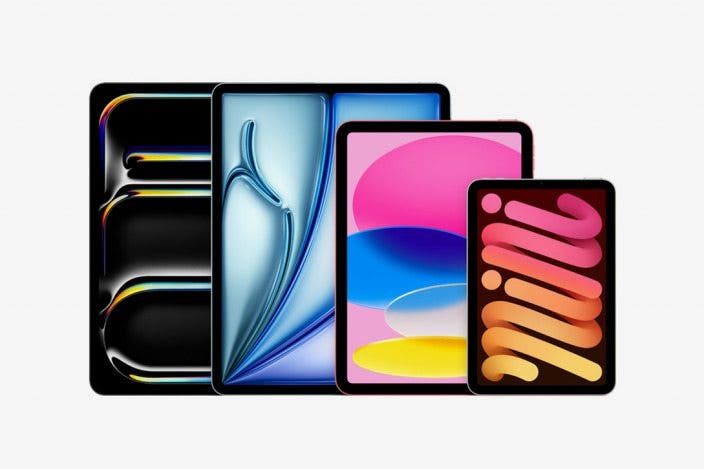
What iPad Do I Have? How to Easily Identify Any iPad Model
Leanne Hays
Apps
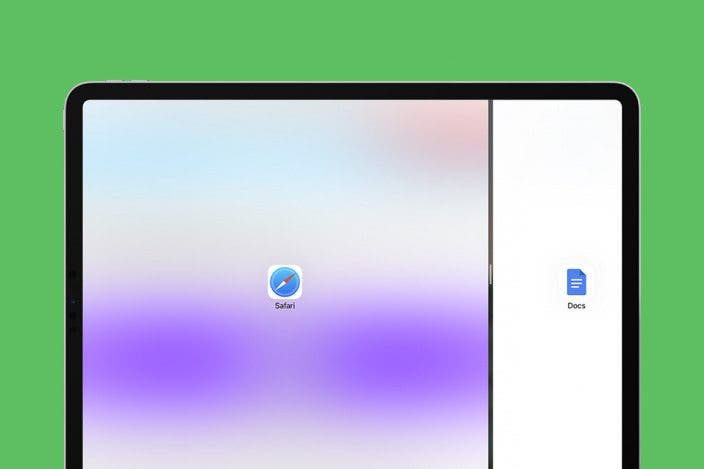
How to Get Rid of Split Screen on iPad
Jim Karpen
Apple ID
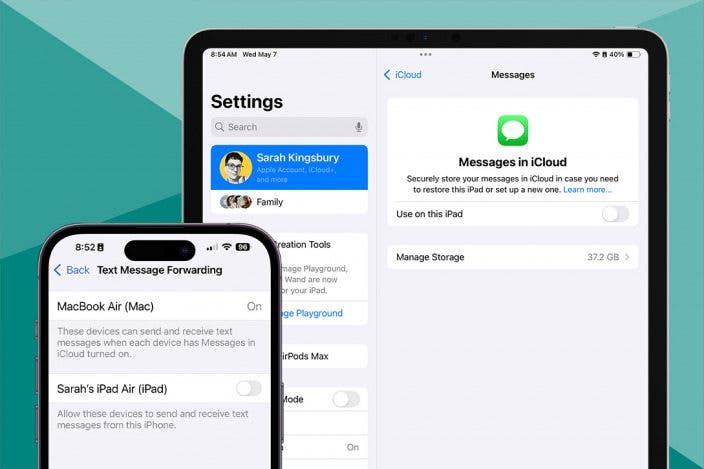
How to Unsync iPad from iPhone—Photos, Texts & More
Kenya Smith
Most Popular
Customization & Personalization
Buyer's Guide 2024: Best iPad Gear
Ashleigh Page
•
Dec 08, 2024
Kids & Parenting
Buyer's Guide 2023: Kid's Tech
Amy Spitzfaden Both
•
Nov 16, 2023
Mac
How Do I Know If I Have AppleCare?
Rhett Intriago
•
Nov 21, 2023
Entertainment
Ghost in the iMachine: Spooky Tech Stories
August Garry
•
Oct 24, 2023
Apps
Are Emails Case Sensitive? Here’s What You Need to Know
Olena Kagui
•
Jan 18, 2024
Apple Apps
How to Link Notes Together on iPhone
Rhett Intriago
•
Sep 23, 2024
Photos
What to Do if You Can’t Find the People & Pets Album on an iPhone
Leanne Hays
•
Sep 16, 2024
iPadOS
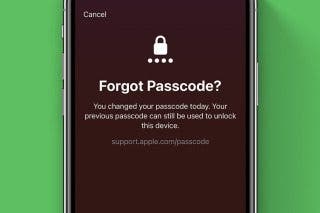
How to Temporarily Use an Old Passcode on iPhone If You Forgot Your New One
Rachel Needell
•
Sep 19, 2024
Become an Apple device expert
Daily one-minute tips sent straight to your inbox.
Subscribe For Free
Latest Articles
PC
Easiest Ways to Transfer Photos from iPhone to Computer—PC or Mac
Cullen Thomas
•
Nov 10, 2026
Control Center
How to Lock Portrait Orientation on iPhone & iPad
Sarah Kingsbury
•
Nov 10, 2026
Settings
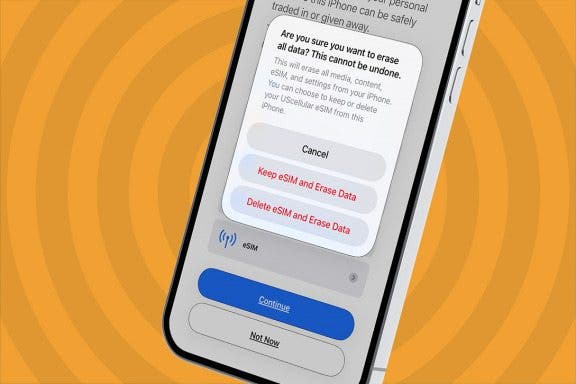
How to Factory Reset Your iPhone or iPad
Leanne Hays
•
Nov 09, 2026
Apps
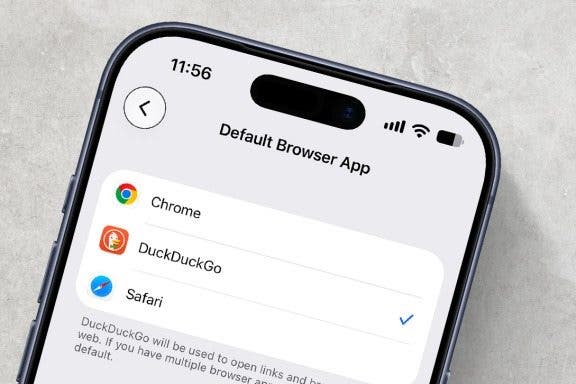
How to Change the Default Browser on Your iPhone & iPad
Hannah Nichols
•
Nov 09, 2026
Apps
How to Tag Cats & Dogs in the iPhone Photos App
Olena Kagui
•
Nov 05, 2026
Apps
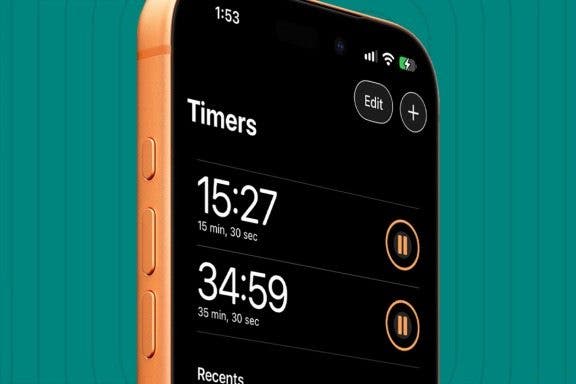
How to Set Multiple Timers on Your iPhone
Rachel Needell
•
Nov 04, 2026
Apps
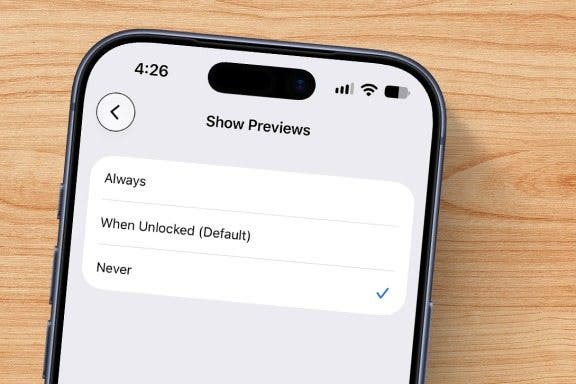
Keep Your Message Notifications Private on Your iPhone
Sarah Kingsbury
•
Nov 04, 2026
Apps
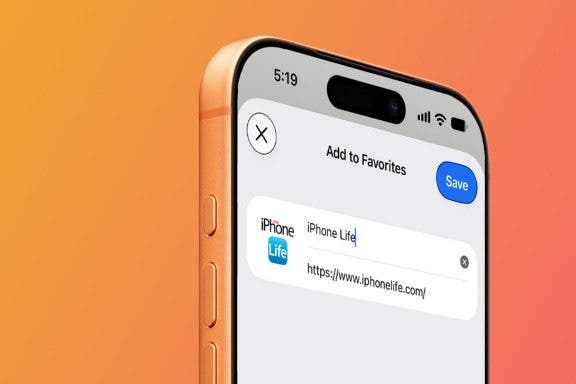
How to Add a Favorite in Safari on Your iPhone & iPad
Leanne Hays
•
Nov 02, 2026
Apps
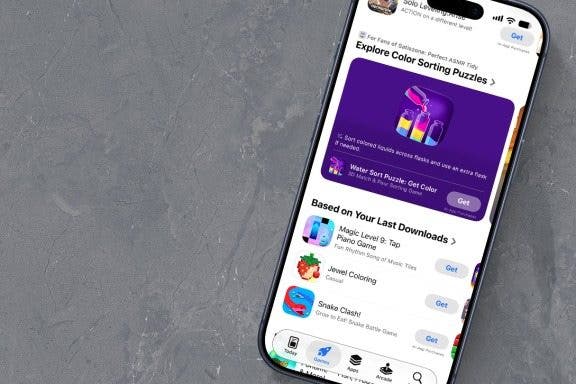
How to Purchase & Download Apps on Your iPhone & iPad
Hallei Halter
•
Nov 02, 2026
Apps
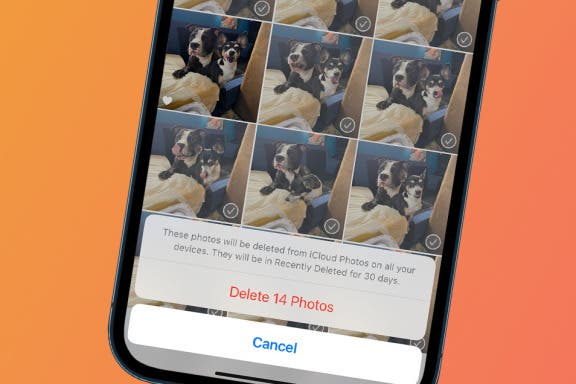
How to Delete Photos from iPhone in Bulk & Individually
Conner Carey
•
Oct 20, 2026
Advertisement
Apps
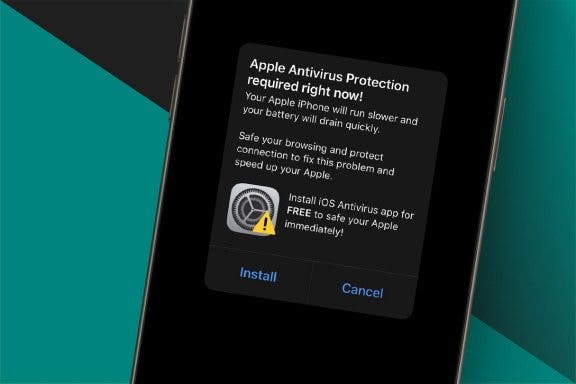
Apple Security Alert Scam: Get Rid of Fake Virus Alerts
Leanne Hays
•
Oct 20, 2026
Apps
How to Retrieve Deleted Text Messages on iPhone & iPad
Becca Ludlum
•
Oct 07, 2026
Apps
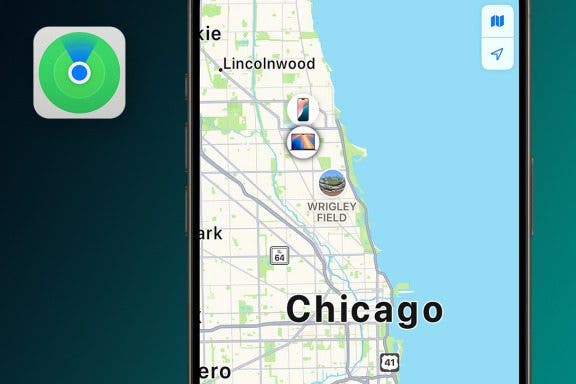
How to Find a Lost iPhone, Even if the Battery Is Dead
Sarah Kingsbury
•
Oct 07, 2026
iPadOS
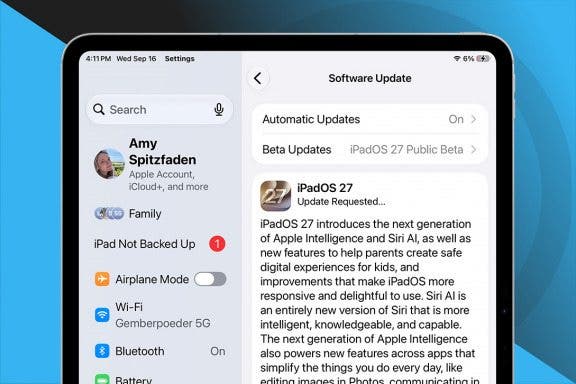
How to Update Your iPad to iPadOS 27
Leanne Hays
•
Sep 28, 2026
AirDrop
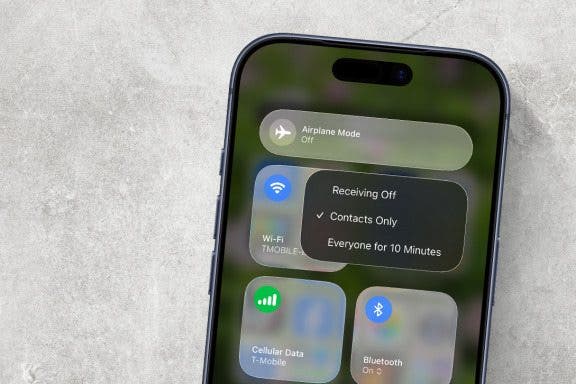
How to Turn On AirDrop & Receive AirDrop Files on iPhone
Conner Carey
•
Sep 24, 2026
AirPrint
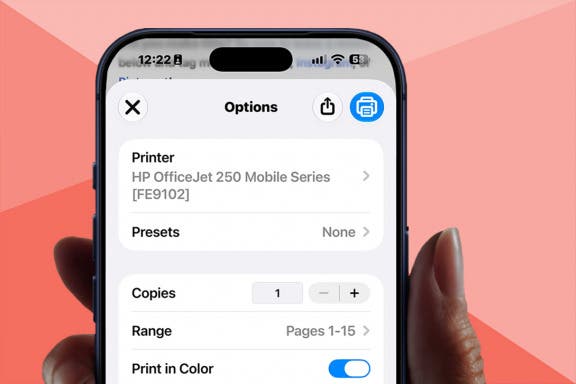
AirPrint: Printing from iPhone Made Easy
Paula Bostrom
•
Sep 24, 2026
Apple Apps
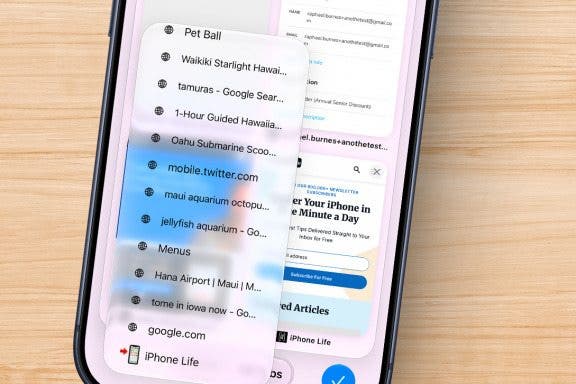
How to Reopen Closed Tabs in Safari on iPhone
Kenya Smith
•
Sep 23, 2026
AirTag
Find My iPhone Not Working? Fix It Fast!
Ashleigh Page
•
Sep 23, 2026
Apps
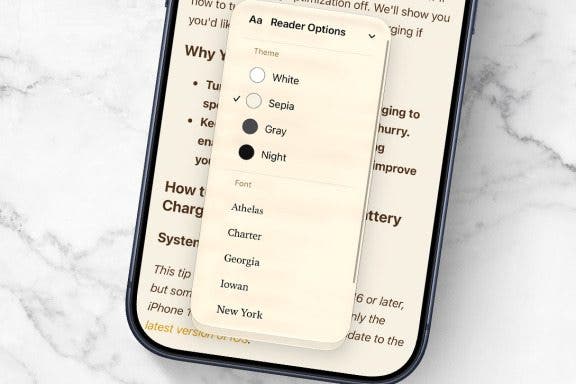
How to Use Safari Reader Mode on iPhone & iPad
Jim Karpen
•
Sep 09, 2026
Apple Apps
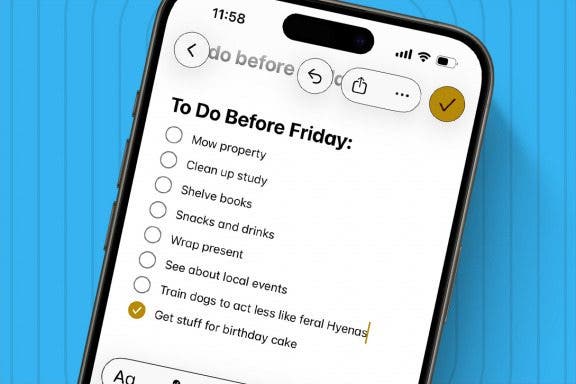
How to Auto-Sort Completed Checklist Items in Notes on iPhone
Devala Rees
•
Sep 08, 2026
arrow-left icon
1
2
3
...
40
arrow-right icon
Related topics
iPhone 17
iPad (7th generation)
Emojis
iPad Pro 12.9-inch (5th generation)
iPhone SE (second generation)
Apple Intelligence
 Leanne Hays
 Jim Karpen
 Kenya Smith





 Cullen Thomas

 Sarah Kingsbury
 Hannah Nichols

 Olena Kagui
 Rachel Needell
 Hallei Halter
 Conner Carey

 Becca Ludlum
 Paula Bostrom

 Ashleigh Page
 Devala Rees